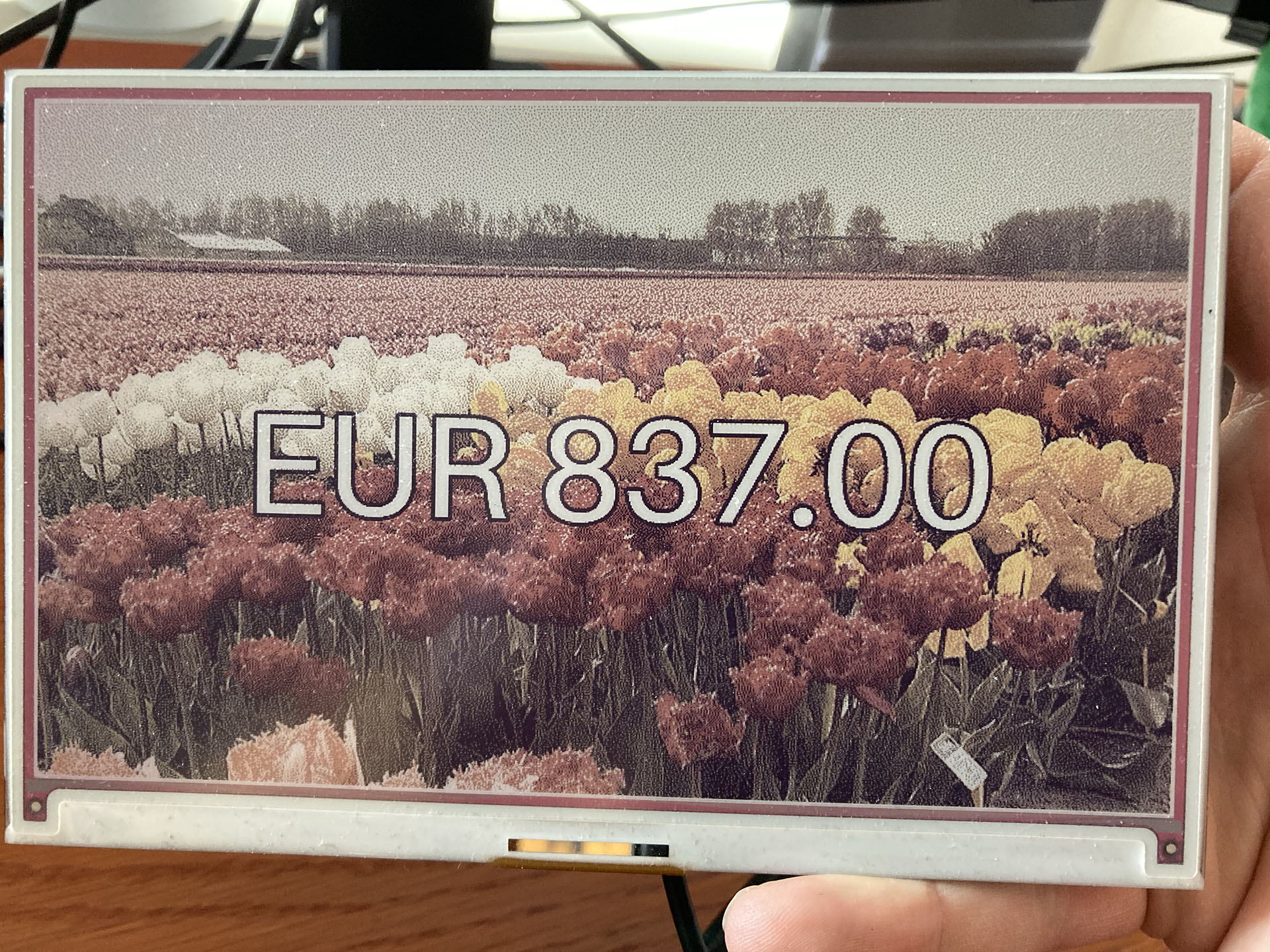
An e-ink display showing an amount of 837 euros with a field of tulips as background.

Showing a gift total on a Raspberry Pi with an e-ink display – how hard could it be?

TL;DR:

These Python and Raspberry Pi projects. They are fun aren’t they? And often they look deceptively simple. But you don’t see all the projects that failed and usually not where they struggled. This project got stuck (and almost failed) at:

  • Not being able to scrape dynamic website content.
  • When I found out how to do that, I couldn’t run my working Python code on the Raspberry Pi.
  • That turned out to be because the scraping packages use a chromium browser, but not for the ARM processor that the Raspberry Pi has.
  • And to top it all off, the Python package for the Inky Impression e-ink display had some kind of problem running numpy.
(more…)

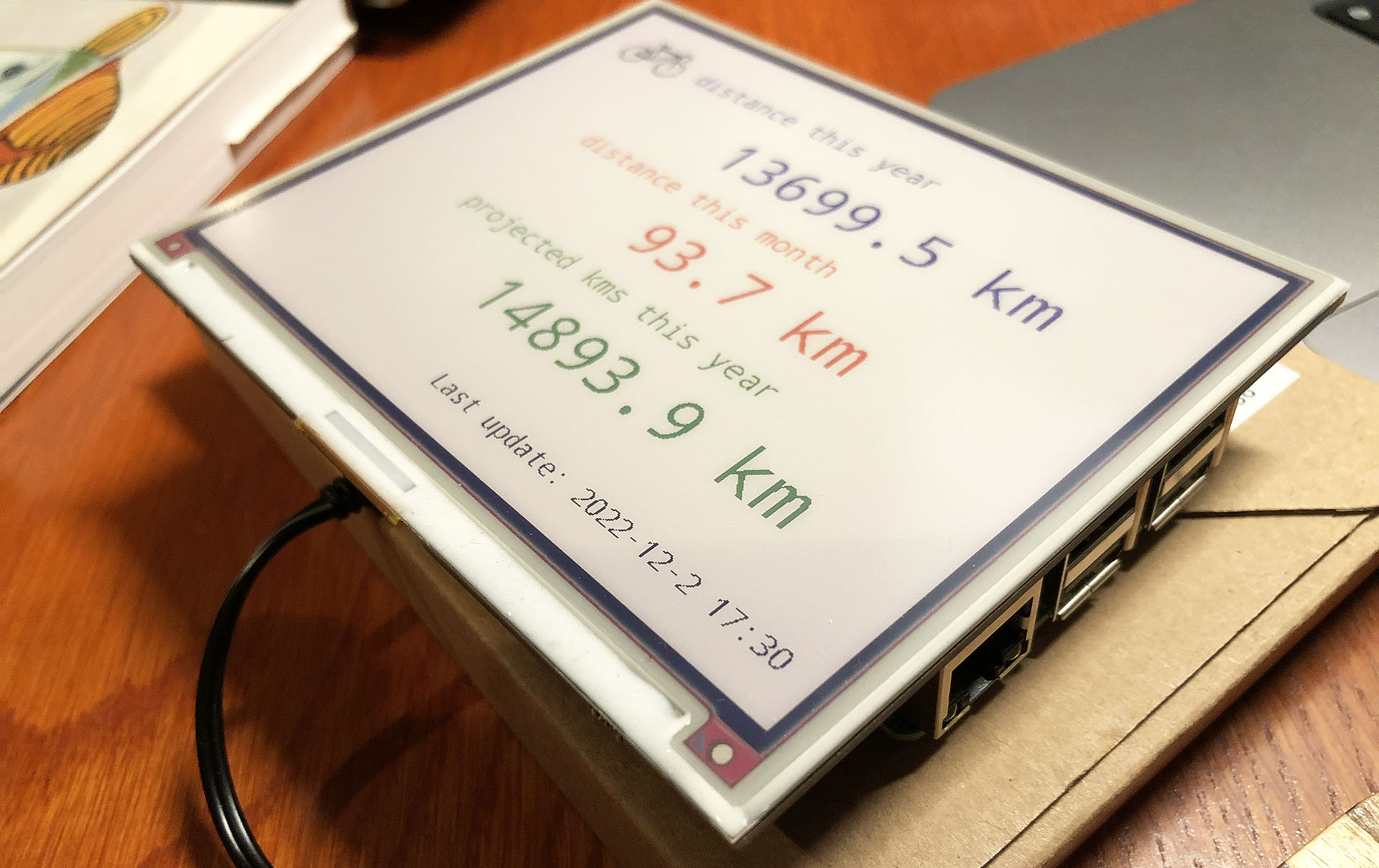
Building a Strava dashboard on a Raspberry Pi with an e-ink display

Let’s face it: my purchase of the Pimoroni Inky Impression 5.7 inch display was a solution looking for a problem. I saw a video about it and I was sold on the idea of having an e-ink display on one of my Raspberry Pi’s.

The Pimoroni Inky Impression on a Raspberry Pi 3B

While having a 7-colour e-ink display is cool and all, I had to come up with a good plan to utilize one. So it wouldn’t end up in a drawer after a short experiment.

You can use it to display images, but it is 7-colour. So you have to “dither” full colour images to have it display well. Actually comic book style images are displayed much better than the average dithered photo. The resolution is quite low (600×448) and the refresh rate is quite slow (10-20 seconds). But for some applications this is just fine.

(more…)