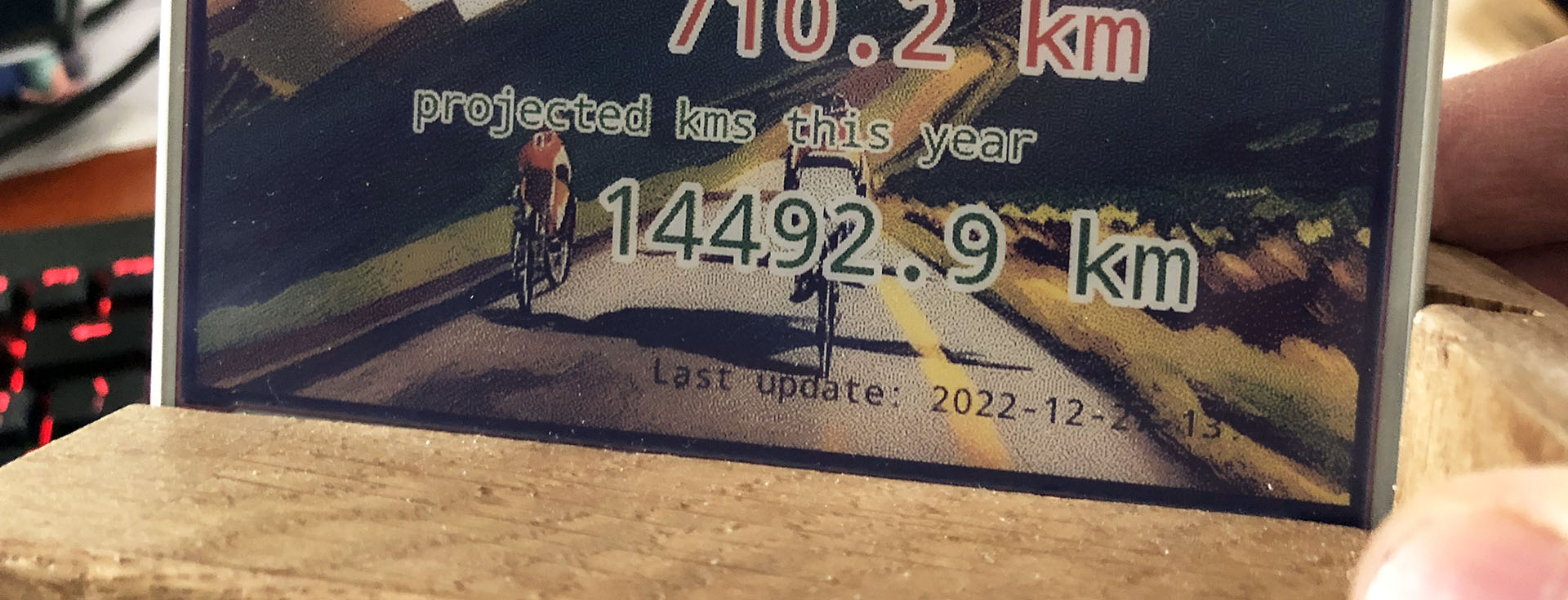
A Strava dashboard on a Raspberry Pi (Part 3): The Strava API
This is part 3 of a series of blogposts on how I created a Strava dashboard on a Inky Impression e-ink display with a Raspberry Pi.
OAuth2
This was the part that I expected to be the hard part: getting my data from Strava. Or, to be more precise: getting the connection right so the Strava API would allow me to get that data. Because it requires authentication via the OAuth2 protocol and I’ve tried a similar thing a few years back with a Google API and I just didn’t get it. But now I do.
Strava API documentation
It requires a whole “dance” between your computer code and the Strava API where you exchange all kinds of tokens back and forth. Strava’s Getting Started with the Strava API document explains it quite well. And this blogpost by Graziano Fuccio helped me a lot with the Python code: http://www.grace-dev.com/python-apis/strava-api/.
Frustratingly I still didn’t get it to work though. The reason I found out, is because the URL of the authentication has changed. From https://www.strava.com/oauth/token it became https://www.strava.com/api/v3/oauth/token. I found this elsewhere in the Stava API documentation, where the correct URL was shown. I’ve told Strava that their Getting Started documentation is outdated. They asked me to create a ticket and I’ve done so, but I don’t think they changed their document yet. But Graziano Fuccio did though.
(more…)